
Cockpit 358
Cockpit is the modern Linux admin interface. We release regularly.
Here are the release notes from Cockpit 358 and cockpit-files 38:
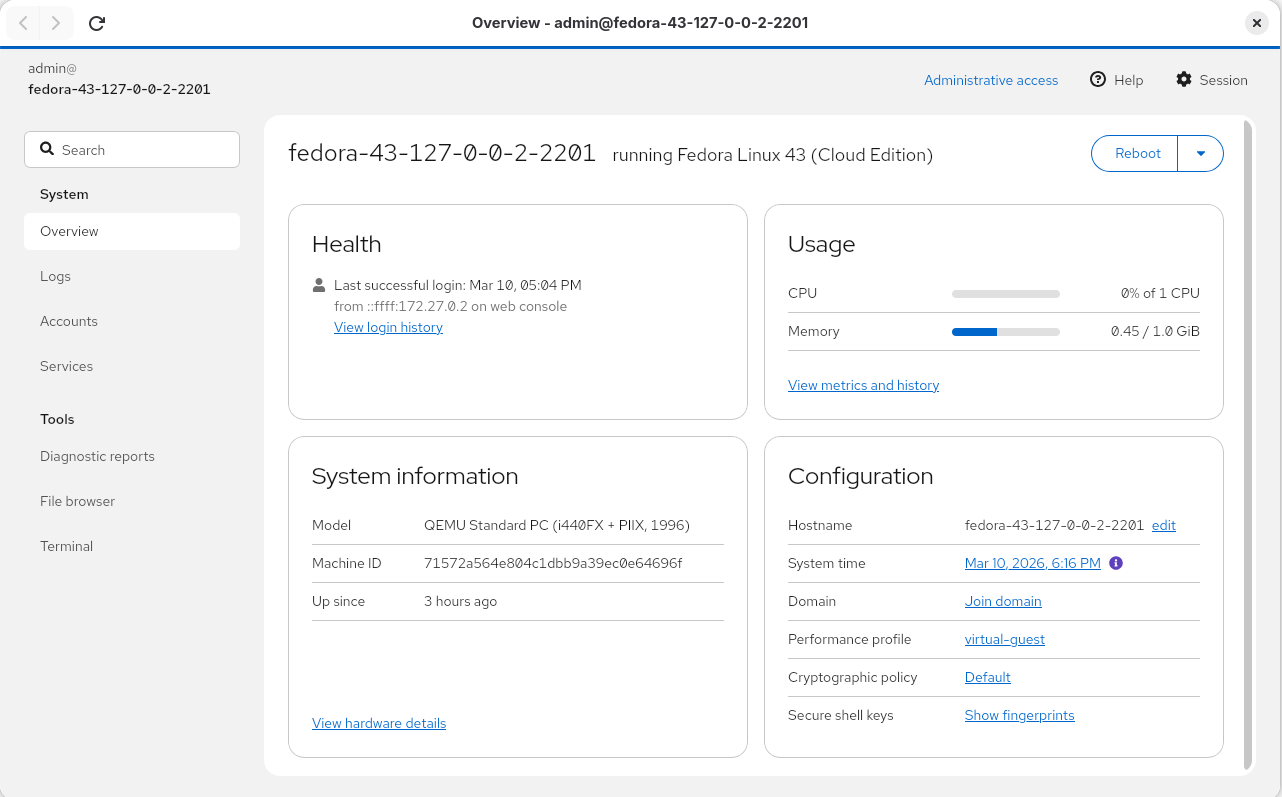
Cockpit Client updated to GTK 4
The Cockpit Client has been updated to GTK 4 and WebKit 6, making it easier to enable support for downloads from Cockpit Files.
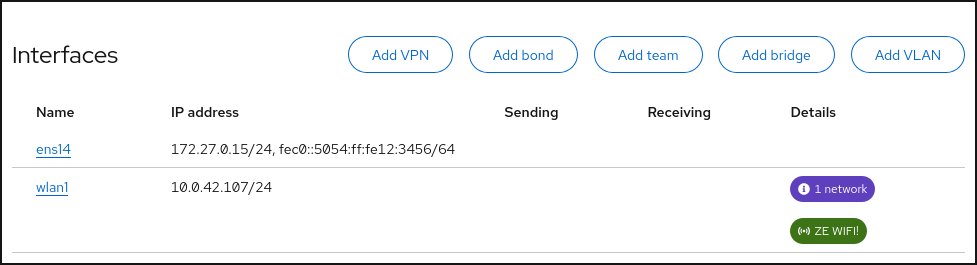
Networking: Add Wi-Fi support
If there are any Wi-Fi devices, the Networking page overview shows the number of available networks and the currently connected network.
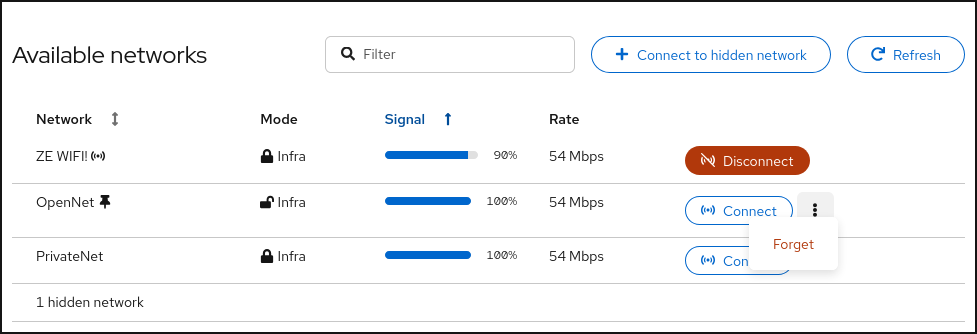
The details page shows a table of available networks with mode/security, signal strength, and rate. The currently active connection (if any) is always at the top. It is followed by known networks, and then unknown networks sorted by descending signal strength. You can connect, disconnect, and forget networks.
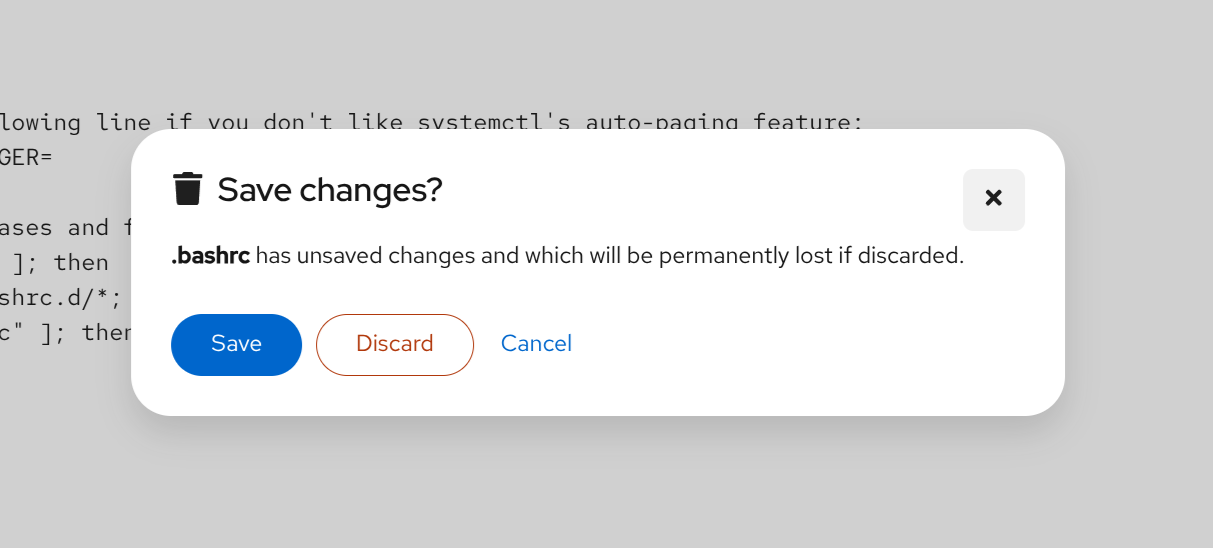
Files: Add confirmation prompt for discarding changes
When editing files, Cockpit will now show a confirmation dialog when clicking away, hitting cancel, or pressing escape. This prevents accidentally discarding changes and losing data.
Thanks to Leone25 for this contribution!
Try it out
Cockpit 358, cockpit-files 38, cockpit-machines 350 and cockpit-podman 123 are available now:
- For your Linux system
- Cockpit Source Tarball
- Cockpit Fedora 44
- Cockpit Fedora 43
- cockpit-files Source Tarball
- cockpit-files Fedora 44
- cockpit-files Fedora 43
- cockpit-machines Source Tarball
- cockpit-machines Fedora 44
- cockpit-machines Fedora 43
- cockpit-podman Source Tarball
- cockpit-podman Fedora 44
- cockpit-podman Fedora 43